
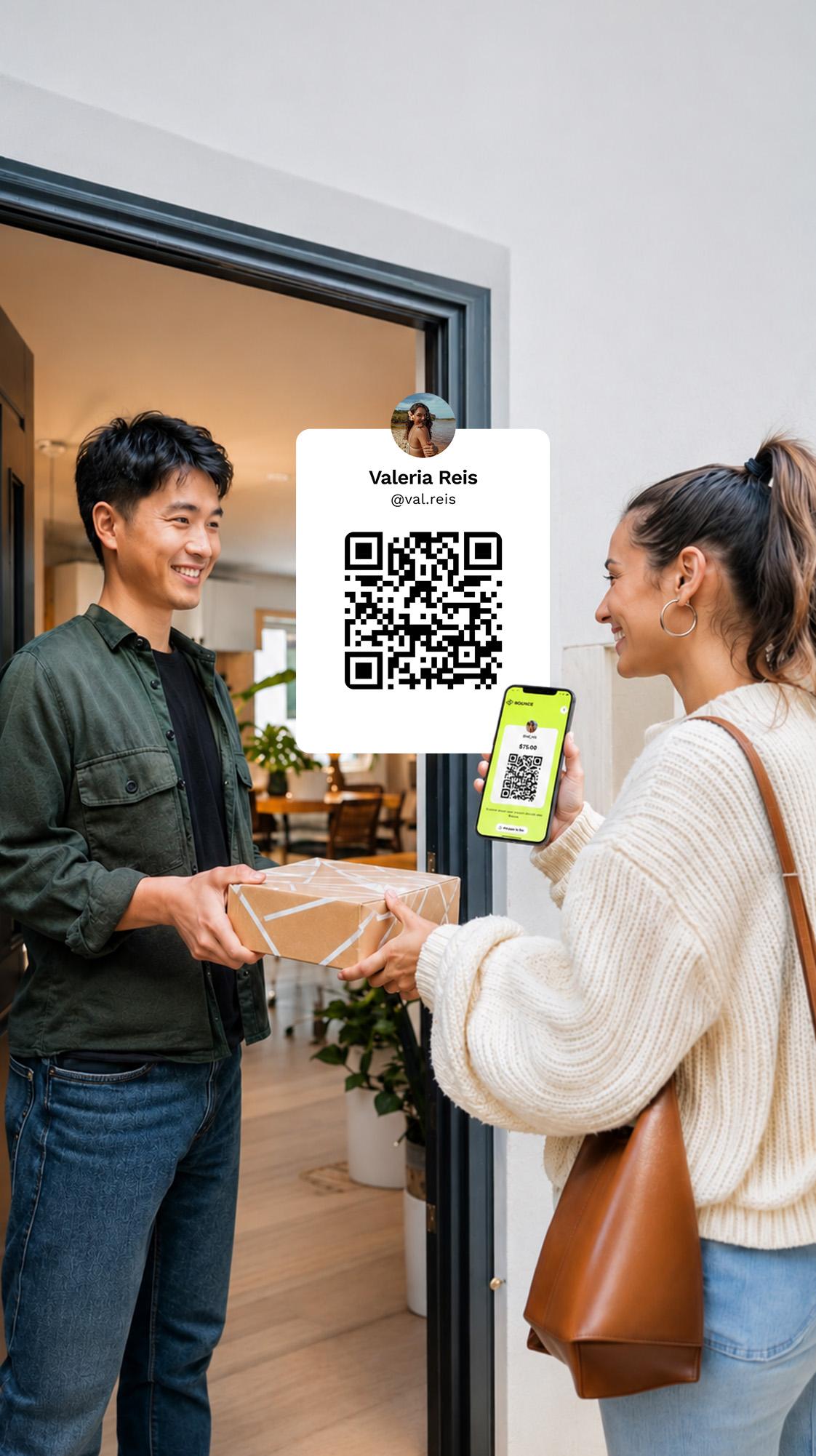
Split the bill, get your money back
Dinner, gas, concert tickets or a night out with friends: enter the amount, select your people, and Bounce calculates everyone’s share and sends the payment requests. All that’s left is getting paid back.
Create my personal accountPersonalize your transfers
Add a photo, an emoji or a message to your transfers. A simpler, more social way to send money.
Create my personal accountStop chasing your money
Send a payment request in seconds, straight to the right person. No need to ask anyone for their banking details or security questions.
Create my personal accountManage your group expenses
Roommates, trips or group outings: split expenses, send payment requests and keep track of who’s paid and who still owes.
Create my personal accountConnect all your accounts
Connect your bank accounts and move your money from one bank to another, right from Bounce.
Create my personal account
NOÉMIE, 27, MONTREAL
“When I sell stuff on Marketplace, I don’t want to share personal info with a stranger. With Bounce, the buyer pays me in seconds, and that’s it. Fast, simple, and my info stays private.”

VINCENT, 34, LÉVIS
“At restaurants, I’m usually the one who picks up the bill, and I hate chasing people down to get my money back. With Bounce, I send a payment request to everyone at the table, and each person pays me back their share. No more following up with anyone.”

RAMI, 22, OTTAWA
“I have accounts at more than one bank, and with Bounce, I connect them all in one place. And when I send money to my friends, I can add a message, an emoji or a photo. It’s simpler, and way more fun.”